


Thoughts on typing 8-bit code
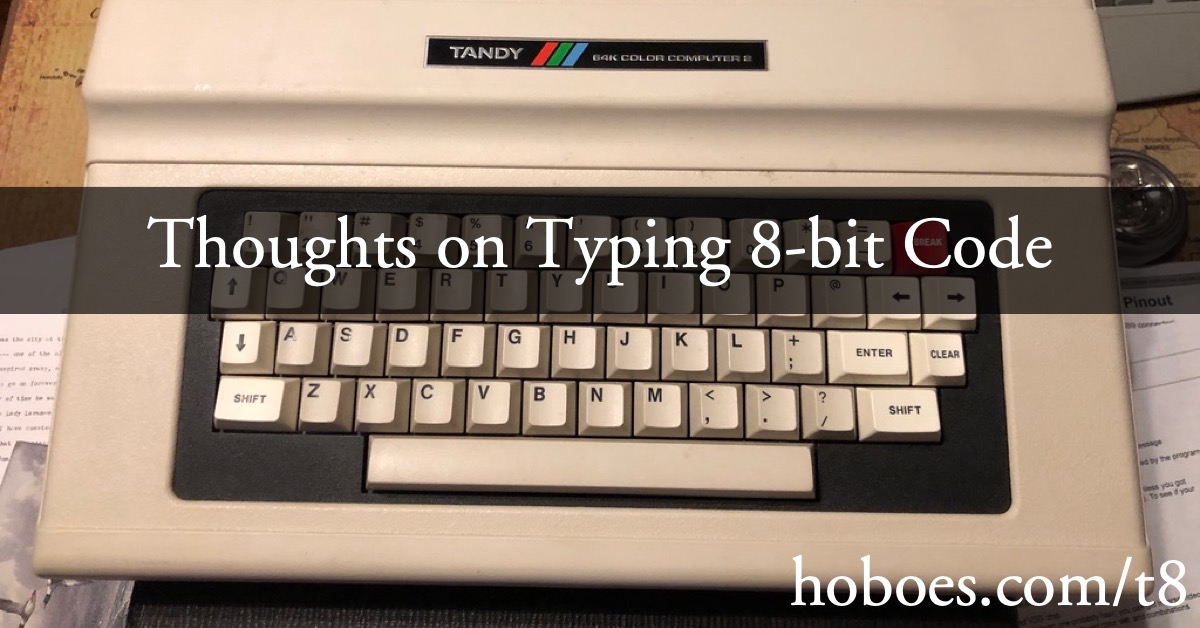
I’ve been neglecting my Color Computer posts for a while now. It’s not that I’m not using my CoCo, it’s that most of what I do is play old 8-bit games and fool around with simple programs in old books.
Over on Allen Huffman’s blog earlier this year we had a short discussion about Rainbow Check and the usefulness of its various iterations when typing in TRS-80 Color Computer code from The Rainbow.
In fact, The Rainbow went through three variations on how to preflight your code as you typed it that, weirdly, few if any other magazines or books picked up on. The first verification tool is that The Rainbow was the first such magazine, almost from the start, to present their code listings in 32-character lines. This meant that, when typing code in on your Color Computer you could look at the left-most and right-most columns to get a good idea of whether you had typed the code correctly.
This was pretty simplistic, of course. Typos that didn’t involve adding a character or losing a character would only be obvious if that typo happened to occur at the beginning or end of a line. So in January of 1983 The Rainbow introduced their Rainbow Chek utility. It, too, was very simple: each listing provided a table of numbers representing how much memory should have been used up by your code at various checkpoints. When you reached that checkpoint (i.e., line number), you would run the utility. It would tell you how much memory the code used, and you could verify that number against the printed table.
This was really only useful for fat-fingered extra/missing characters—which the 32-character line already helped with—and for typos in BASIC commands. Typos in BASIC commands prevent them from tokenizing. As long as the typo doesn’t itself represent another command, that will alter memory usage.
Despite those limitations, and combined with the 32-column validation, the first “Rainbow Chek” was very useful compared with the absolute nothing every other publisher provided.
There were, however, a huge class of errors that Rainbow Chek wouldn’t catch, so in February 1984 they introduced Rainbow Check Plus. This provided a true checksum based on the tokenized BASIC commands and the ASCII codes of non-tokenized characters.
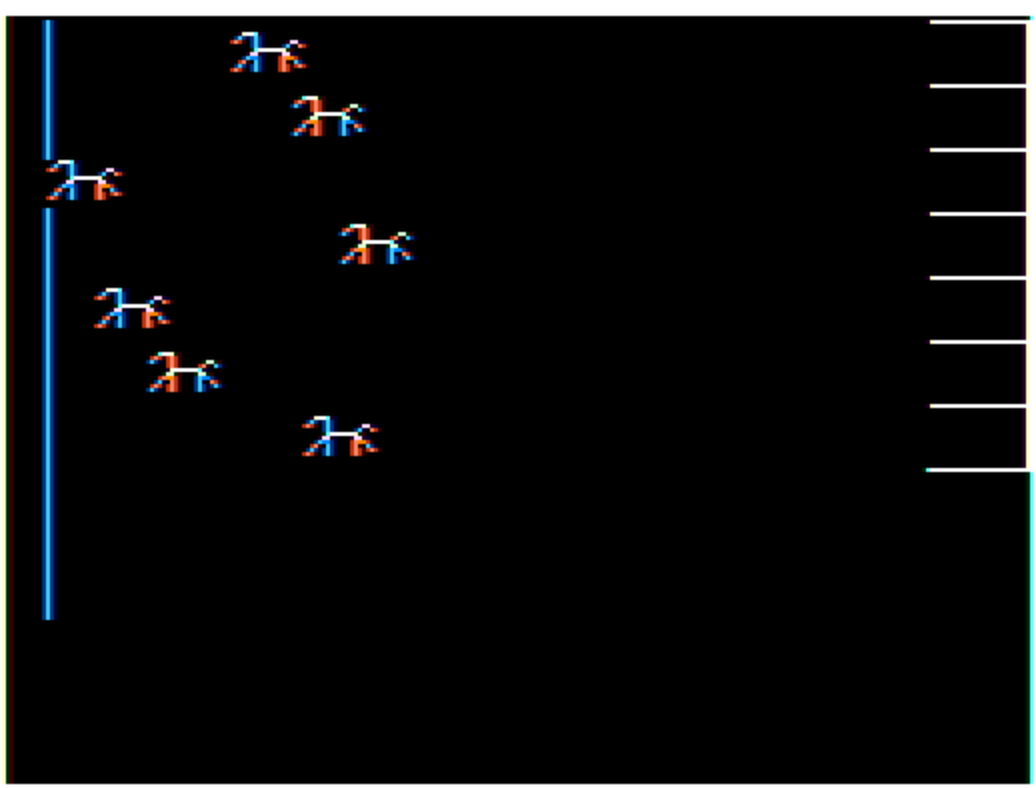
Why I’m not writing about Color Computer software.
Rainbow Check Plus caught a lot more errors than its predecessor. It still wasn’t perfect. For example, its checksum was position-independent. This meant it wouldn’t catch switched characters in non-tokenized code: GOTO 2415 and GOTO 2451 would produce the same checksum.
Using modern computers with modern scripting languages and modern RAM abundance opens up a world of other possibilities for preflighting old code. The three (plus one) that I use, and have already blogged about, are:
- A rainbow script for checking the length of lines against 32, and for verifying things like the number of open and close parentheses and that all line references refer to existing lines.
- An rcheck script for running the code through the Rainbow Check or Rainbow Check Plus algorithms.
- And for the real sticklers among typos, readBASIC for having the computer read the BASIC code out loud while following along in the magazine.
- I also have a couple of utilities for rapidly generating extremely repetitive code, such as drawing lines from point to point.
For non-Rainbow code, I have a more general (and thus less useful) script I call hartnell, after Tim Hartnell, which does some of the same checks that my rainbow script does. The hartnell script can also convert code from more general BASIC to CoCo-specific BASIC.
When using readBASIC I will literally take a bookmark or other piece of paper and hold it under the line being read. The only errors I fail to find when having the code read back to me are errors in the actual listing. With Rainbow listings you generally didn’t have to worry about typesetting errors, because its listings were (or appeared to be) actual listings printed out to whatever system they used for automatic typesetting.
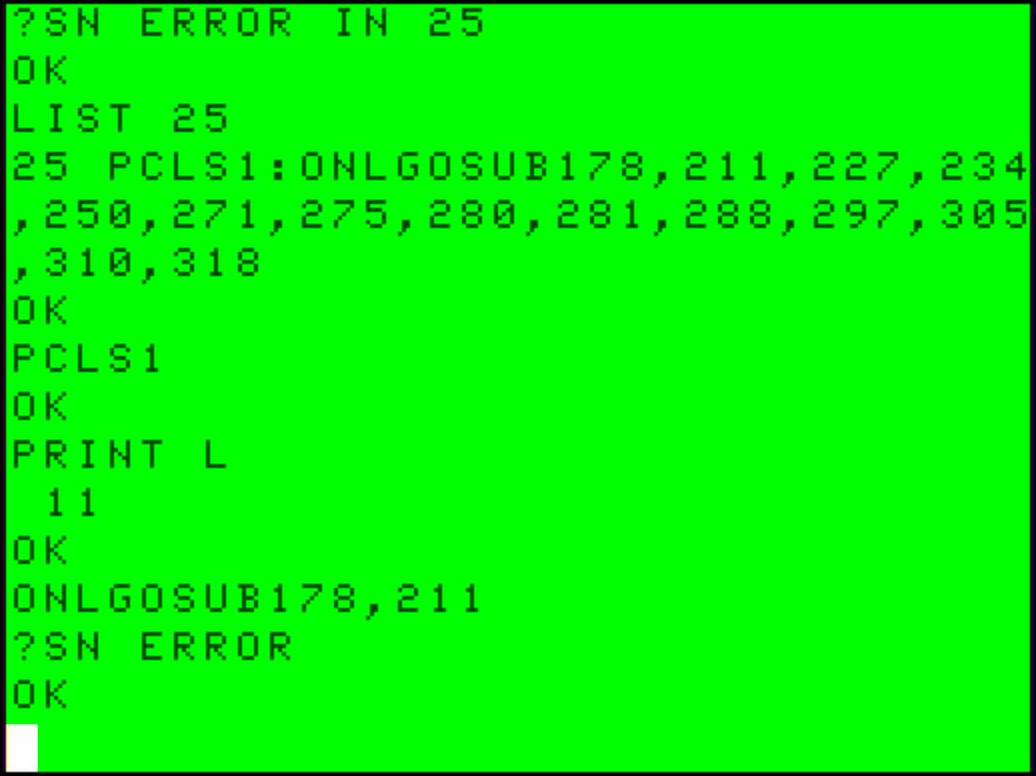
What an annoying little bit of code.
This is as opposed to books like Ron Clark’s 55 Color Computer Programs which appear to switch between “zero” and “o” almost randomly, indicating that the code was indeed typeset by a fallible human.
But like all BASIC programmers back in the day, Color Computer programmers used tricks that didn’t always reproduce in a printout. The worst are those tricks that removed spaces around tokens where the corresponding BASIC code needed those spaces for tokenization. For example, IF X <= CC GOSUB 2000 needs that space between CC and GOSUB in order to tokenize correctly. Color Computer BASIC doesn’t always detect when a variable name ends and tokenizable code begins, and this is one of those times.
Once tokenized, however, that space is superfluous. So, in order to save memory, some people ran utilities to remove such semi-superfluous spaces before saving the program.
Another error that could crop up in Rainbow listings were lines that exceeded 246 characters. The Color Computer supported running lines with up to 249 characters beyond the line number. But you couldn’t type lines with more than 249 characters including the line number. What you could do was type the first 247 or less, then edit and add the remaining. Which made touch-typing such lines prone to error…
But those kinds of errors were rare. Most casual programmers didn’t use space-saving utilities on their BASIC code, because it was a pain to edit later. I wrote basicDump to help find such problems—and have used it for that purpose all of once.
Many of these utilities can be integrated into the contextual menu on macOS. As I wrote in my post on readBASIC, which is the one I most commonly use from that menu. I can also duplicate a selected BASIC line by right-clicking, a rarely-used but useful utility I’ll be talking about next time.
In response to TRS-80 Color Computer Programming Tools: The TRS-80 Color Computer was a fascinating implementation of the 6809 computer chip, and was, from the Color Computer 1 through 3, possibly the longest-running of the old-school personal computers.
Color Computer
- Review: 55 Color Computer Programs for the Home, School and Office: Jerry Stratton at Jerry@Goodreads
- Ron Clark’s “55 programs” are very simple; to the extent that it was meant “to provide ready-to-run programs” it was a failure. But to the extent that it was really meant to provide starting points for fun and useful programs, it would have been a great tool back in the day.
- Sub-Etha Software: Allen Huffman
- “Sub-Etha Software was started in 1990 by Allen Huffman and Terry Todd. It originally sold software for the Tandy/Radio Shack TRS-80 Color Computer (CoCo), both for Disk BASIC (RS-DOS) and Microware’s OS-9 Level 2. A few years later, Joel Hegberg joined and operated the OSK Midwest Division based in DeKalb, Illinois. This expanded Sub-Etha’s offerings to programs for the Interactive Media Systems MM/1 computer, which ran OS-9/68000 (OSK).”
programming tools
- BASIC tokenization examined
- Why do old BASIC programs have strange characters in their .BAS files? Why do they look like they’re compiled code?
- Convert PCBASIC code to TRS-80 Extended Color BASIC
- If you have a book of code written in PCBASIC, it usually isn’t hard to convert it to other Microsoft BASICs, such as on the TRS-80 Color Computers.
- Rainbow Magazine BASIC program preflight tool
- This script takes 32-character lines typed in from Rainbow Magazine BASIC listings and assembles them together into full BASIC lines, doing some rudimentary error-checking along the way.
- Read BASIC out loud
- Reading BASIC out loud is a great tool for verifying that what you’ve typed in from an old-school magazine or book is correct.
- TRS-80 Color Computer RCHECK+ in Perl
- I much prefer to use a modern keyboard and modern windows to type in programs. But Rainbow’s RCHECK+ was too useful to give up. This script will run RCHECK+ on a text file in the macOS Terminal or any Linux/Unix command line.
The Rainbow magazine
- Rainbow Check Plus: Allen Huffman at Sub-Etha Software
- “A followup from my previous post… This box, which appeared in Rainbow magazine, was called Rainbow Check Plus…”
- The Rainbow Magazine February 1984 at Internet Archive
- The exciting adventure issue, and “introducing Rainbow Check Plus”.
- The Rainbow Magazine January 1983 at Internet Archive
- The “Big Adventure Issue… just for you… TRS-80 Color, TDP System 100, Dragon-32” and introducing Rainbow Chek to help catch typing errors when typing code from the magazine.
More BASIC
- Simple game menu for the Color Computer 2 with CoCoSDC
- This simple menu provides one screen for cartridges saved in the CoCoSDC’s flash ROM, and any number of screens for your favorite games for your friends to play.
- BASIC tokenization examined
- Why do old BASIC programs have strange characters in their .BAS files? Why do they look like they’re compiled code?
- Read BASIC out loud
- Reading BASIC out loud is a great tool for verifying that what you’ve typed in from an old-school magazine or book is correct.
- Convert PCBASIC code to TRS-80 Extended Color BASIC
- If you have a book of code written in PCBASIC, it usually isn’t hard to convert it to other Microsoft BASICs, such as on the TRS-80 Color Computers.
- SuperBASIC for the TRS-80 Color Computer
- Make BASIC Fun Again. Use loops, switches, and subroutines while writing Extended Color BASIC code for the Radio Shack Color Computer.
- Seven more pages with the topic BASIC, and other related pages
More Color Computer
- Simple game menu for the Color Computer 2 with CoCoSDC
- This simple menu provides one screen for cartridges saved in the CoCoSDC’s flash ROM, and any number of screens for your favorite games for your friends to play.
- Rainbow Magazine preflight tool enhanced
- I’ve added several features to the Rainbow Magazine preflight tool, including a check for references to line numbers that don’t exist.
- CoCoFest! 2021
- Forty years later, I finally make it to CoCoFest!
- BASIC tokenization examined
- Why do old BASIC programs have strange characters in their .BAS files? Why do they look like they’re compiled code?
- What are the 8 bits in 8-bit computing?
- Retro computing is often called 8-bit computing. This is because the bytes that these computers use are composed of eight bits, and much of what the computer does is operating on these individual bits, not on the byte as a whole.
- 20 more pages with the topic Color Computer, and other related pages
More programming tools
- Astoundingly useful programming tools
- One thing hasn't changed since the seventies: some of the most useful programs are programs created for programming.
More The Rainbow magazine
- Rainbow Magazine preflight tool enhanced
- I’ve added several features to the Rainbow Magazine preflight tool, including a check for references to line numbers that don’t exist.
- 8 (bit) Days of Christmas: Day 1 (Do You Hear What I Hear?)
- For day 1 of the 8 (bit) days of Christmas, John Mosley’s “Do You Hear What I Hear?” from the December, 1987, Rainbow Magazine. Mosley coaxes four-voice music out of the CoCo 1 and 2 using a machine-language program.
- 8 (bit) Days of Christmas: Day 10 (Up on the Rooftop)
- In the December 1986 Rainbow, J. D. German presented us with this game, involving flying and landing Santa to deliver presents!
- 8 (bit) Days of Christmas: Day 11 (O Christmas Tree)
- Day 11 of the 8 (bit) days of Christmas is the graphic accompaniment to “O Tannenbaum” from Robert T. Rogers “Holly Jolly Holidays”, from December 1984.
- 8 (bit) Days of Christmas: Day 100 (Hearth)
- Lower resolution graphics were more appropriate for animation, because you could page through up to eight screens like a flip book. This is Eugene Vasconi’s Holiday Hearth from December 1986.
- Six more pages with the topic The Rainbow magazine, and other related pages